OpenSmash-Ultimate PC, Linux & Mac Requirements
Hardware specifications, AVX2 vs SSE4.2 compiler targets, 60 GB build storage breakdown, shader prewarm RAM budgets, and config/display.ini reference.
- Win 10/11 · Linux · macOS 14.5+
- AVX2 rec. (SSE4.2 ok)
- 4–8 GB min / 16 GB rec.
- ~60 GB build space
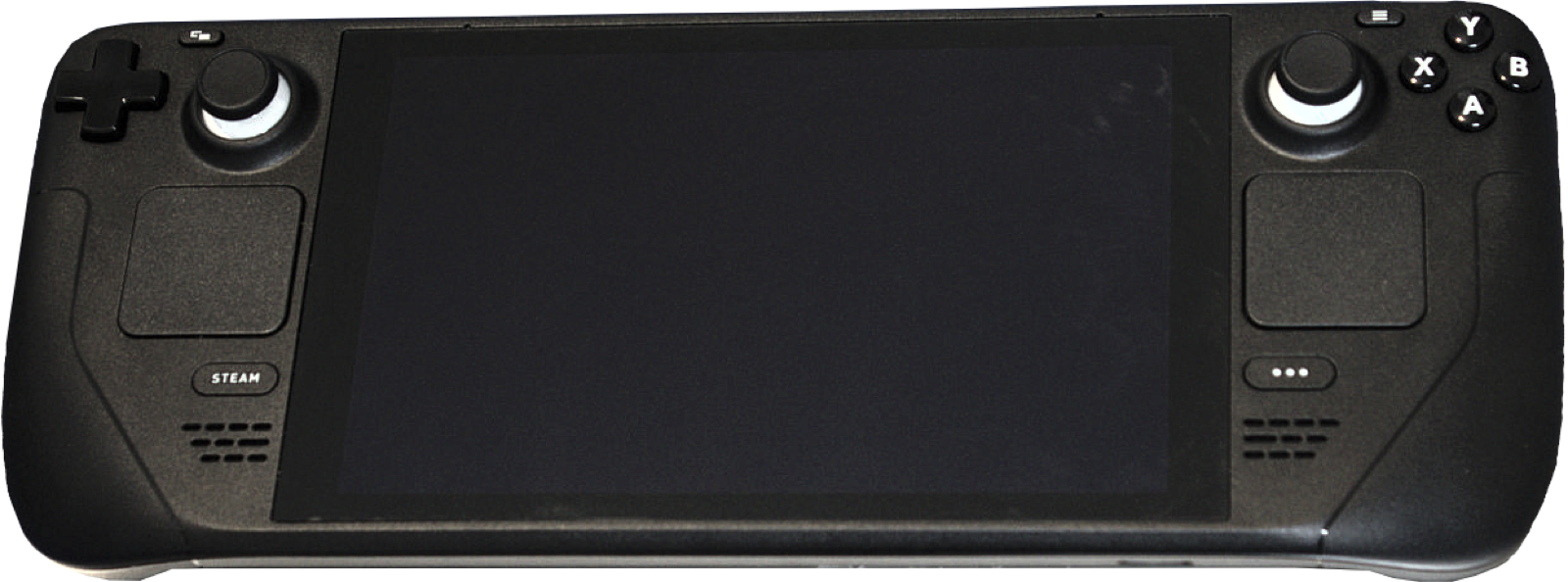
Minimum & recommended hardware across Windows, Linux & macOS
Because OpenSmash-Ultimate translates ARM64 instructions to native machine code ahead of time, runtime CPU overhead is substantially lighter than dynamic Switch emulation, while first-time setup requires enough disk space and memory to run LLVM Clang across all 98 fighter modules:
| Component | Minimum Supported | Recommended Configuration |
|---|---|---|
| Operating system | 64-bit Windows 10 / 11; or x86-64 Linux with glibc 2.35+ (Ubuntu 22.04+, Debian 12+, Fedora 36+, SteamOS); or Apple silicon macOS 14.5+ | 64-bit Windows 11 or Desktop Linux (Arch / Fedora / Ubuntu 24.04) with latest GPU drivers |
| Processor (CPU) | x86-64 with SSE4.2 (x86-64-v2: Intel Nehalem / AMD Bulldozer or newer; runs slower) or Apple M1 | 8-to-16-thread CPU with AVX2 (Intel 4th-gen Haswell 2013+ or any AMD Ryzen) or Apple M2/M3/M4 Pro |
| Graphics (GPU) | DirectX 11 or Vulkan 1.3 capable GPU (Intel Raptor Lake iGPU measured at 59–60 FPS in fights; Intel Iris Xe should force direct3d11) | Discrete NVIDIA GeForce or AMD Radeon GPU supporting VK_KHR_dynamic_rendering, Direct3D 11, and G-Sync / FreeSync VRR |
| System memory (RAM) | 4–8 GB RAM supported during build via automatic job throttling (PR #114; 12 GB+ recommended on Linux desktop) | 16 GB to 32 GB RAM (allows 8–16 parallel compiler jobs and full startup shader cache prewarming) |
| Free disk space | ~60 GB free on Windows (~30 GB on Linux, ~40 GB on macOS) + ~17 GB for your own 13.0.5 game files | NVMe SSD with 80+ GB free (covers build/ ~30 GB, dump/shadercache/ ~2.7–4 GB, and temporary update extraction) |
CPU instruction sets: AVX2 vs x86-64-v2 (SSE4.2)
During setup, tools/isa.py inspects your host processor and records the target ISA in build/ (or build-linux/isa.txt):
- AVX2 (Default on modern CPUs): Every Intel Core 4th-generation (Haswell, 2013+) and every AMD Ryzen processor supports AVX2, enabling fast 256-bit SIMD translation of ARM64 NEON vector instructions.
- SSE4.2 (
x86-64-v2fallback): Older Intel Core, Pentium, Celeron, or older AMD processors lacking AVX2 can still compile and run OpenSmash-Ultimate in SSE4.2 mode, though heavy 4-to-8-player fights run slower. Developers packaging builds for mixed hardware can override the target viaSSBU_ISA=x86-64-v2. - Apple silicon (ARM64 native): On M1 and newer Macs (macOS 14.5+ Sonoma with Command Line Tools 16 / macOS 15 SDK), Apple Clang compiles lifted C into native arm64 macOS code inside
build-mac/WindowSmash.app. Intel Macs are not supported.
Graphics backends, shader caches & measured GPU speeds
- Direct3D 11 & Vulkan on Windows: A typical fight frame submits roughly 3,000 draw calls. Following PR #131 in
v0.3.0-alpha.2, the Vulkan backend (gpu_vk.cusingVK_KHR_dynamic_rendering) reduced CPU per-draw cost from 4–8 µs down to ~2.5 µs, matching Direct3D 11 in normal 60 FPS matches. Inssbu-recomp’s Vulkan tests, an integrated Intel Raptor Lake iGPU sustained 59–60 FPS across a full fight with 0 pipeline holds. - Startup shader prewarm (PR #119): At launch, compiler threads warm cached shaders within a budget of one-third of system RAM (overridable via
SSBU_SHADER_PREWARM_MBor disabled viaSSBU_SHADER_PREWARM=0). On PCs with 12 GB+ RAM, unplayed cached shaders are prewarmed too; 8–12 GB prewarms unplayed vertex shaders first. - Ahead-of-time shader compilation: Running
python tools\shader_aot.pyon Windows precompiles ~40,000 shaders (~30 min on 16 threads, 1–2 hrs on 4–8 threads). On Linux,bash launchers/prepare-shaders.shcompiles ~65,000 shaders (~2.7 GB DXBC) and performs a headless DXVK pipeline warm pass (~6.5 min on 16 threads).
Display, VRR & low-latency tuning (config/display.ini)
All display parameters can be adjusted live via Esc → Display or edited in config\display.ini:
| Setting | Accepted Values & Behavior | Default |
|---|---|---|
window | windowed (16:9 locked resize), borderless, or fullscreen | windowed |
render_scale | 0.5 to 4, or auto (matches native screen height, e.g. 1.33 at 1440p; 2 = 4x pixels, ~200 MB extra VRAM) | 1 |
renderer | auto (Vulkan on AMD/NVIDIA/Intel, falls back to D3D11 after two early startup faults), direct3d11, or vulkan | auto |
pacing | clock (steady 60 FPS), vrr (G-Sync / FreeSync immediate presentation), or display (60/120/240 Hz sync) | clock |
low_latency | 1 waits until late in the refresh window before polling inputs, cutting up to most of a frame of input delay | 1 |
latency | 1–3 maximum queued GPU frames (Vulkan keeps at least 2 so CPU and GPU do not serialize) | 3 |
gpu | auto (picks discrete NVIDIA/AMD over laptop iGPU) or substring such as nvidia, radeon, intel | auto |
Smash PC controllers & adapters
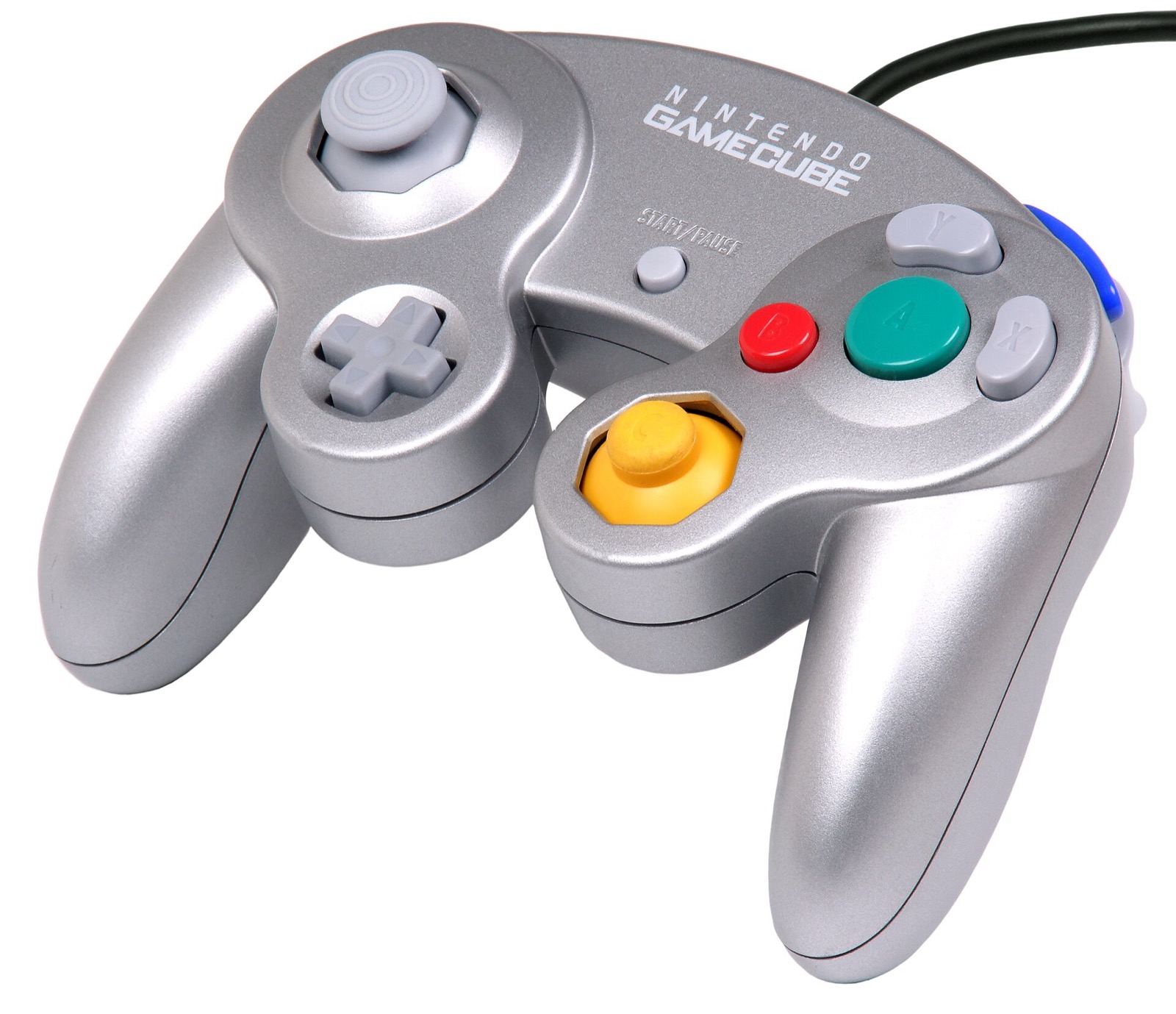
OpenSmash-Ultimate and WindowSmash support up to 8 concurrent players via SDL3, XInput, and native Wii U / Switch GameCube USB adapter polling (both Windows HID and Zadig WinUSB drivers, with analog L/R triggers and rumble):
| Hardware | Best For in OpenSmash-Ultimate | Input Path & Latency Notes | Link |
|---|---|---|---|
| Mayflash 4-Port GameCube Controller USB Adapter | 4-port GameCube controller play | Switch to Wii U mode for native 4-port GameCube input + rumble (second grey USB plug) | View on Amazon |
| Nintendo Switch Pro Controller | Native positional ABXY layout | Matches Switch button positions out of the box via SDL3 (`[device switchpro]`) | View on Amazon |
| GameSir Cyclone 2 | Low-latency 1000 Hz wireless Smash | Zero-drift TMR sticks, microswitch face buttons, XInput & Switch SDL3 modes | View on Amazon |
| 8BitDo Ultimate 2 Wireless | Desktop & SteamOS handheld dock | TMR sticks, charging dock, 2.4 GHz dongle + Switch / XInput mode switch | View on Amazon |
| Sony DualSense | PlayStation pad (`[device ps5]`) | Full SDL3 support with configurable per-device rumble and deadzone in `controllers.ini` | View on Amazon |
| Xbox Wireless Controller | Zero-setup Windows 10/11 XInput | Works natively for players 1–4; set `layout = labels` or `style = gamecube` if desired | View on Amazon |
As an Amazon Associate, this site earns from qualifying purchases.
Common questions
Can OpenSmash-Ultimate run on integrated Intel or AMD laptop graphics?
Yes. An integrated Intel Raptor Lake iGPU ran full 1v1 matches at 59–60 FPS in upstream tests. Keep render_scale = 1 on integrated GPUs, and if you have an Intel Iris Xe chip exhibiting black menu backgrounds or broken stage geometry (Issues #333 / #346), set renderer = direct3d11 in config\display.ini.
Why does OpenSmash ask for 60 GB of free space when the Switch game is 17 GB?
During setup, the installer may temporarily decrypt base and 13.0.5 update containers (~15 GB + ~4 GB), emit C source and object files for main plus 98 fighter NROs (~30 GB in build/), and store ~2.5–4 GB of precompiled shaders in dump/shadercache/.
Does OpenSmash-Ultimate support ultrawide or uncapped frame rates above 60 FPS?
Super Smash Bros. Ultimate ties frame data, physics, and online rollback hashes strictly to 60 ticks per second and a 16:9 camera (pillarboxed in wider windows; tracked in Issue #343). However, you can scale internal resolution up to render_scale = 4 (7680x4320) and sync presentation to 120 Hz / 240 Hz or VRR monitors via pacing = vrr or pacing = display.